
See what’s happening at a glance
See the day across your own drivers and subcontractors — what they’re working on, what’s moving and what has been completed — without constantly ringing around to piece it together.
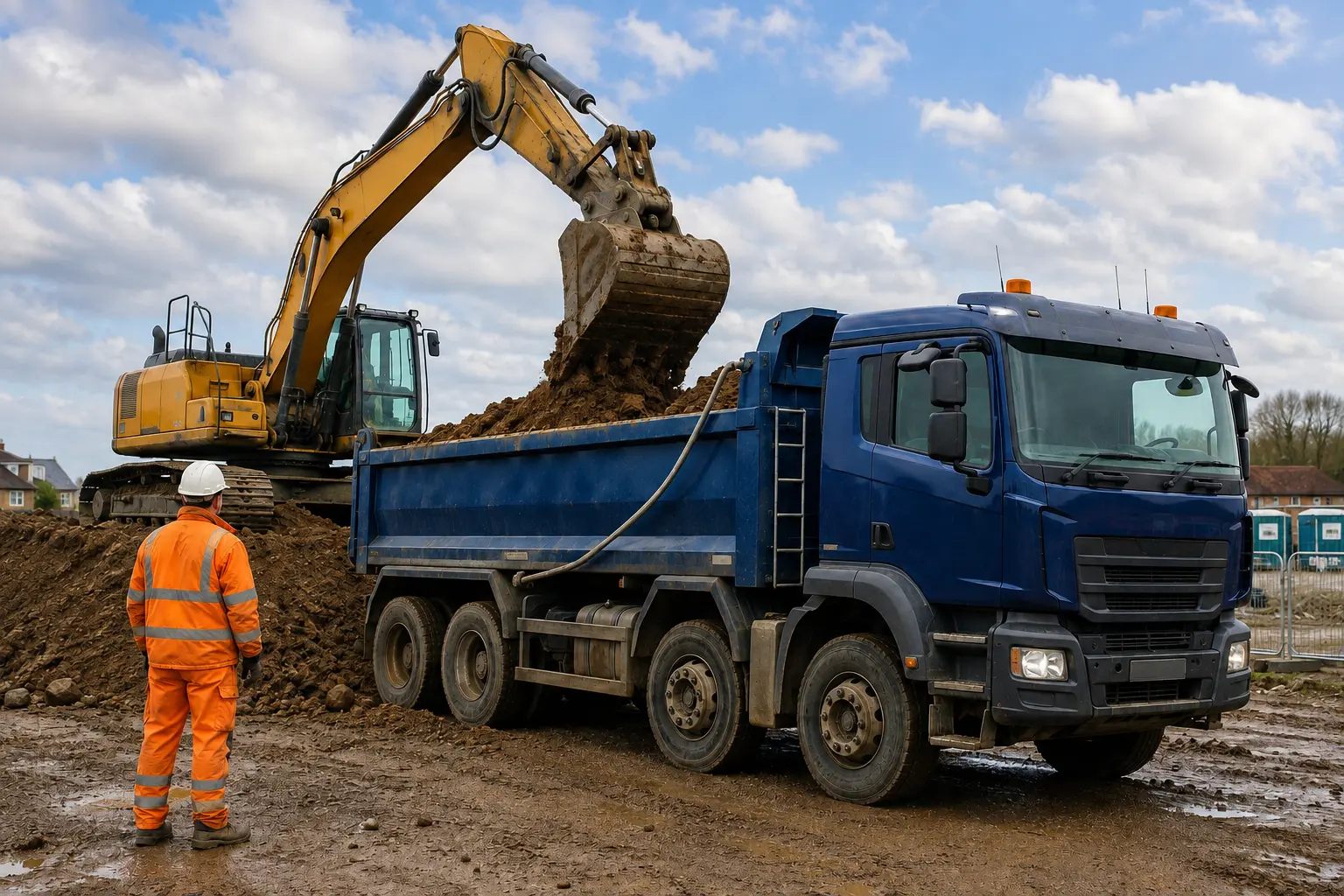
Looking for muck-away software that handles real jobs rather than just paperwork? Several trucks on one site. Repeat loads. Subcontractors. Destinations changing during the day. Tipper360 keeps the job, each load and the completed docket connected. Drivers know what to do, while the office can see the work and retrieve records without chasing paper.

Set up the job in the office or let the driver start it. Run repeat loads without creating every trip from scratch. When a destination changes, update the relevant work. Each completed movement leaves its own record for the office.

Office sends the work to the driver, or the driver starts the job where that works better.
Set up the work once. Drivers can complete load after load without the office creating every trip individually, while each movement still produces its own information.
If a destination changes during repeat work, change that trip where the job allows it and keep the rest of the work moving.
Completed load information comes back to the office ready to find, answer customers and use for accounts.
The driver handles the job in front of them. The office handles the wider operation. Tipper360 keeps both sides connected — whether the office sends the work out or the driver starts it, whether it is one load or repeat trips, and whether you are using your own fleet or subcontractors.
DRIVER — Job received or self-started
DRIVER — Single or repeat loads
DRIVER — Changes during the day
OFFICE — Set up, send and update work
OFFICE — Find, export and use completed loads
BOTH — Vehicle checks + job evidence
BOTH — Live chat keeps people connected


More trucks, more subcontractors and more loads shouldn’t mean more dockets to chase, more calls to drivers and more time trying to work out what happened.
Drivers, subcontractors, jobs and loads stay connected with the office. See what is happening now, then find the completed information when customers or accounts need it.
See the day across your own drivers and subcontractors — what they’re working on, what’s moving and what has been completed — without constantly ringing around to piece it together.
A destination changes. A load needs diverting. A driver needs an instruction. Keep the office and drivers connected through the job information and live chat rather than another round of phone calls.
Photos, dockets, signatures and the information required for the job come back with the work. The office isn’t waiting for paperwork to return or trying to work out which docket belongs to which job.
A customer questions a load or wants information about completed work. Find the job record instead of starting another search through paperwork and phone calls.
Completed job records stay together and can be retrieved when the office, accounts or a customer needs them.
Completed information is already coming back digitally, so accounts can deal with the work without waiting for paper to return to the office.
Less time finding out what happened. More time managing what’s happening now.
Tipper360 helps drivers capture muck-away job and load information, with digital records available to the office. A digital delivery record is not automatically a statutory Waste Transfer Note; check the legal documents and information required for each waste movement. Completed job records and supporting PODs can be downloaded and shared when customers or receiving facilities need the information.
Use your own fleet, subcontractors or both. Bring extra drivers into the same job process and keep their completed load information coming back into the same operation — without another paperwork trail for the office.
The information captured during the work comes back with the completed movement — including the job and load details plus photos, dockets, signatures or weight where required. Find it later for customer questions, accounts or the records the job needs, without rebuilding the day afterwards.
Find the job. Answer the customer. Send the record. Get the invoice moving.
Tell us a little about how you work and we’ll show you the driver and office process using the type of jobs you already run.
✓ Your own trucks and subcontractors
✓ Repeat loads and changing destinations
✓ Driver → office → completed record
No obligation. About 15 minutes.
Tipper360 connects the job, driver or subcontractor, individual movements and office from setup through to the completed record. It is built around the working day — including repeat loads and changes — rather than digitising only the paperwork at the end.
The operational record captured through Tipper360 can support the records and reporting required around C&D and waste movements.
If your C&D loads are classed as waste, see what is changing for UK waste transfer notes and digital waste trackingSee how a muck-away job runs from excavation to receiving site →Choosing muck-away software? Read the operator buying guide →.
Straight answers to the most common questions about Tipper360 for muck-away and C&D operations.
Can subcontractors use it?
Yes. Tipper360 supports operations that use their own fleet, subcontractors, or a mix of both.
What happens with poor signal?
The driver workflow can work offline and sync captured information when a suitable connection returns.
Show us how you run the job today — your trucks, drivers, subcontractors, repeat loads and destinations. We’ll show you how that same job runs through Tipper360.
WhatsApp us