
HOW TIPPER360 WORKS
Get the trucks out. Know what's going on. Have the paperwork sorted.
The office sends the job — or the driver starts it himself. From there, Tipper360 keeps the job, the loads and the office together until the work is done.
No waiting for dockets. No piecing the day together afterwards.

BUILT AROUND YOUR WORK
Set up around your business. Simple for your drivers.
Tipper360 is set up around your business and the work you do.
Your business is set up
Customers · Sites · Facilities · Materials
Different work works differently
Muck-away · Aggregates · Ready-Mix · Asphalt & Planings
The day can change
More loads · Diverts · Destination changes · Subcontractors
Simple for the driver
The right information. The right steps. That job.
Powerful behind the scenes. Simple for the driver.
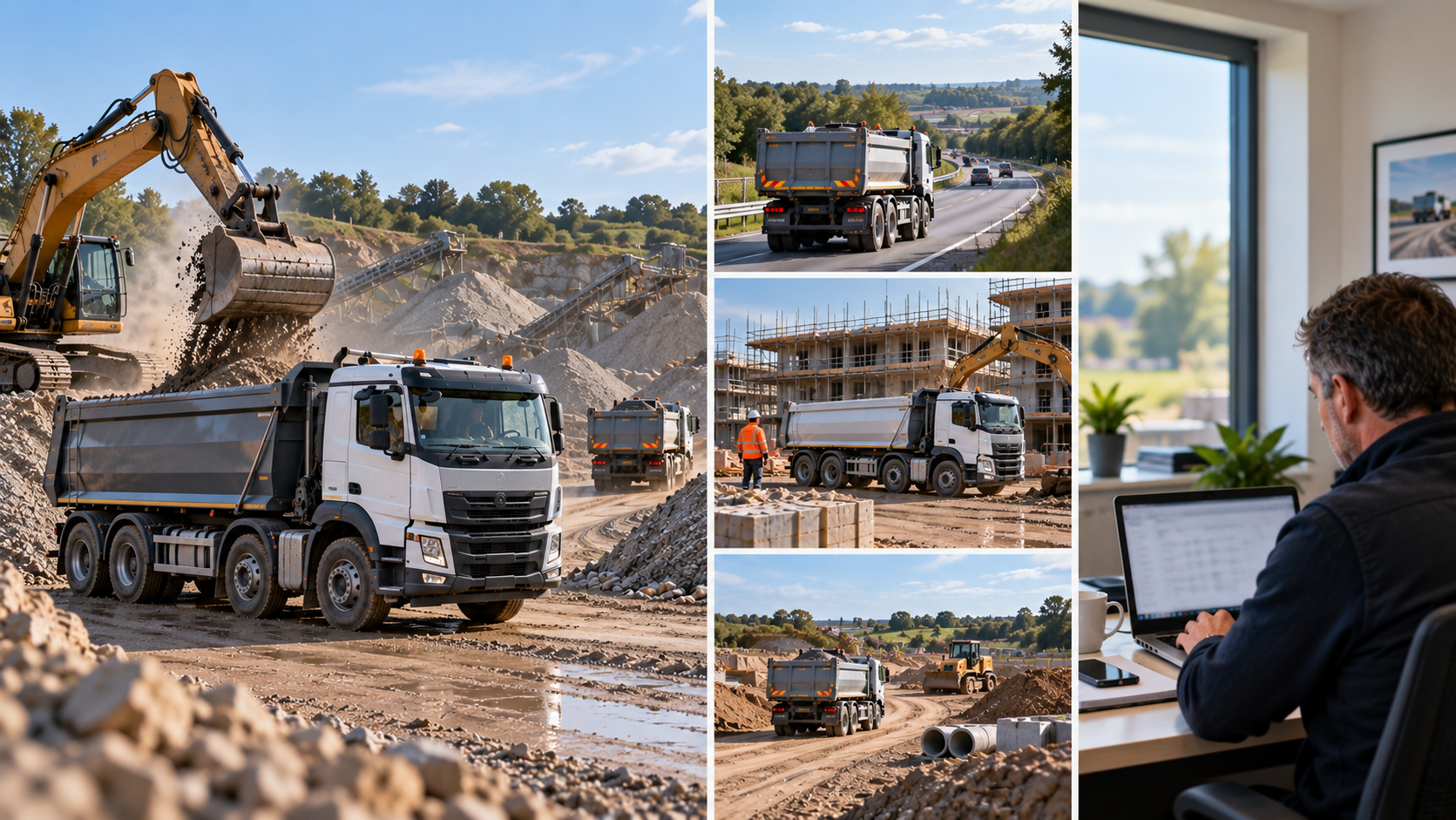
One job. From start to finish.
01
Get the job out
Office sends it. Or the driver starts it himself.
02
The right job opens
Sites, material, customer and job information are already there.
03
Keep it moving
One load or many. Changes and diverts can be dealt with during the work.
04
Finish it once
The driver finishes the job. The office has the record.
AND THE NEXT MORNING?
Yesterday is already sorted.
No pile of dockets. No chasing drivers. No checking WhatsApp. No working out what happened.
TIMES · QUANTITIES · PHOTOS · SIGNATURES · JOB ANSWERS · CHANGES
Open Tipper360. It's there. Get on with today's work.
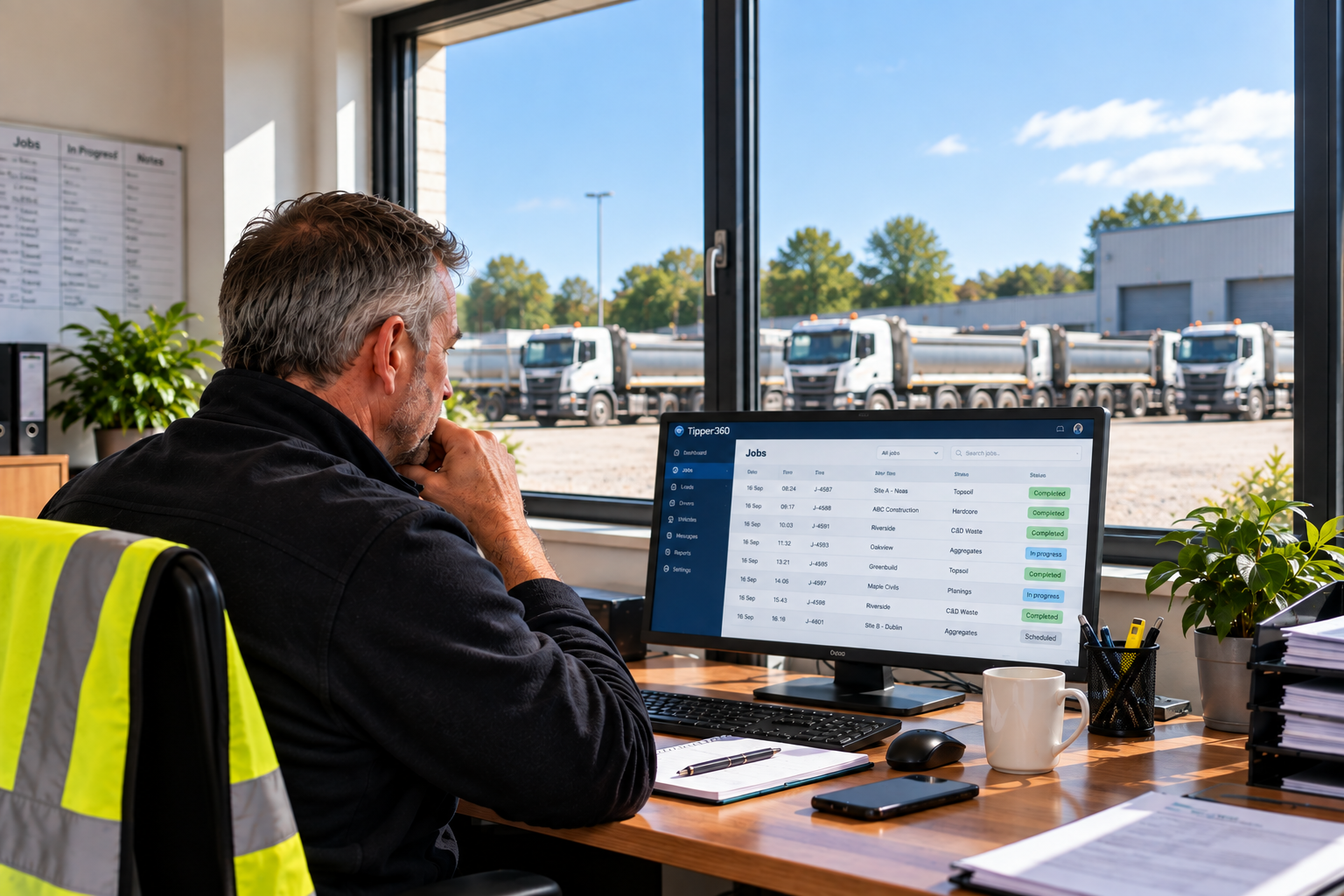
“Can you send me the dockets for that job?”
Find the job. Send the completed records. While they're still on the phone.
That's the difference your customers notice.
WHEN MORE WORK COMES IN
Take on more work. Not more chasing.
More trucks shouldn't mean more dockets. More drivers shouldn't mean more ringing. More subbies shouldn't mean more messages.
Tipper360 helps you handle more without having to manage more of it yourself.
“You have the tablet for a day with the app on it, you have it.”
Brendan Norris of Moyglare Sand & Gravel describes doing 7–10 loads a day. With paper, that could mean around 50–60 dockets to account for over a week. With the app, he records the load, gets the docket signed and finishes the job without carrying the paper back to the office.
He also uses the vehicle safety checklist in the app, removing another piece of paperwork he has to keep track of.
Watch Brendan’s Moyglare video →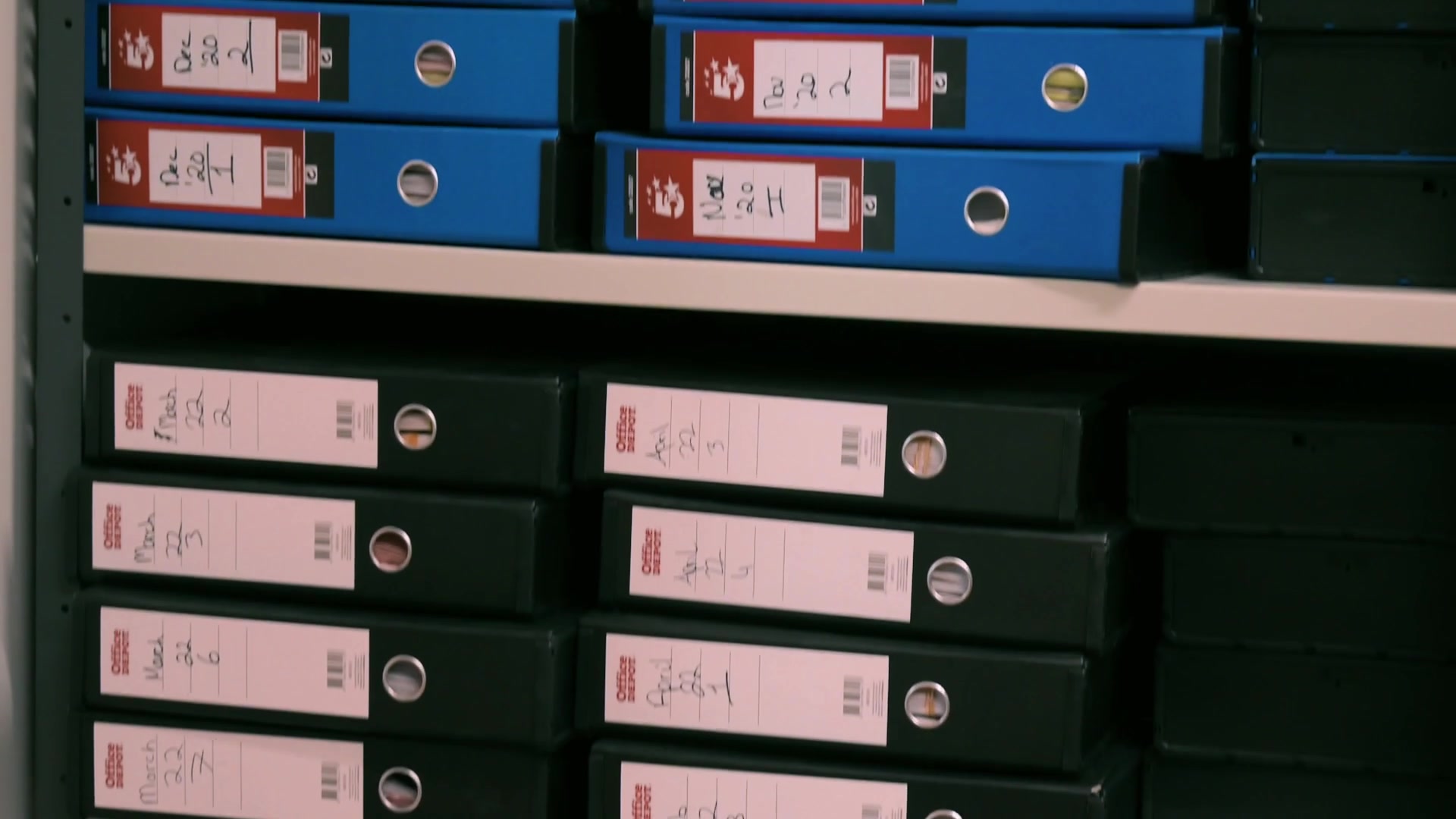
Driver apps since 2015
Using our driver technology
Built around construction work
The business runs better. Your day gets easier.
Drivers get on with the work. The office knows what's going on. Customers get answers. The paperwork is there. You don't have to hold the whole day together yourself.
Based on your type of work · Driver + office · No generic sales demo