

The delivery starts with the job
Give the driver the customer, site, material, collection point and the information that needs to be recorded.
Tipper360 aggregate delivery software connects quarry-to-site jobs, drivers, subcontractors and completed delivery records. Drivers receive clear instructions and capture relevant details at delivery, including photographs and signatures where required. The office can find the completed POD and answer customer queries without searching through paper dockets.
The office sends the job with the collection point, material and delivery details. The driver has the information on the phone and records what happens on site. Completed delivery details, photos and signatures where required are available to the office when a customer or accounts needs them.
Give the driver the customer, site, material, collection point and the information that needs to be recorded.

The job is on the app, with changes and live chat available when the office needs to contact the driver.
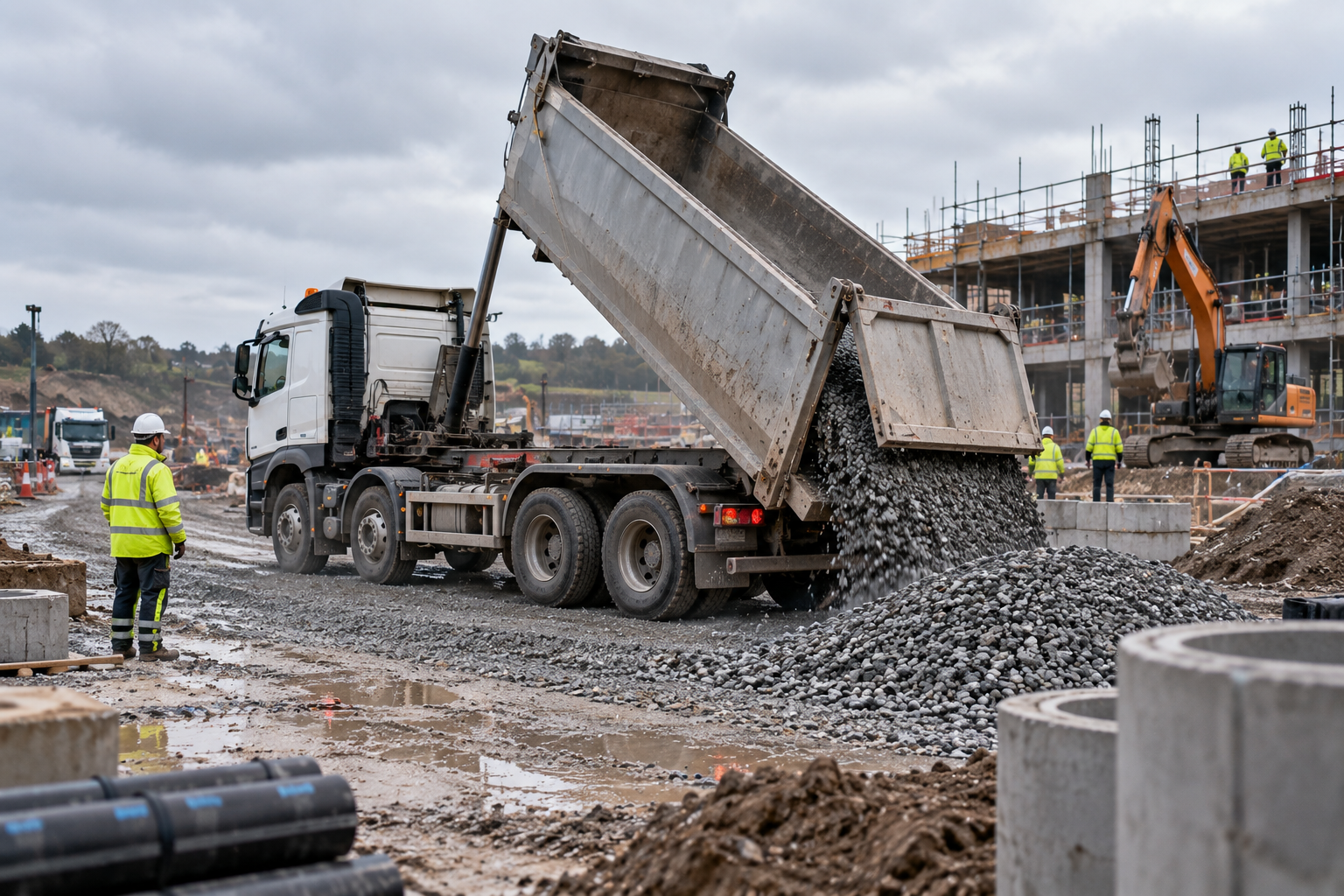
Delivery details, photos and customer sign-off where required are captured with the job and available to the office.
The office can create and send the work, or the driver can start it where that suits the operation. Tipper360 supports one-off deliveries and repeat movements, while the delivery record is built as the work happens.
 01 START THE WORK
The office can create and send the job, or the driver can start the work where that suits the operation.
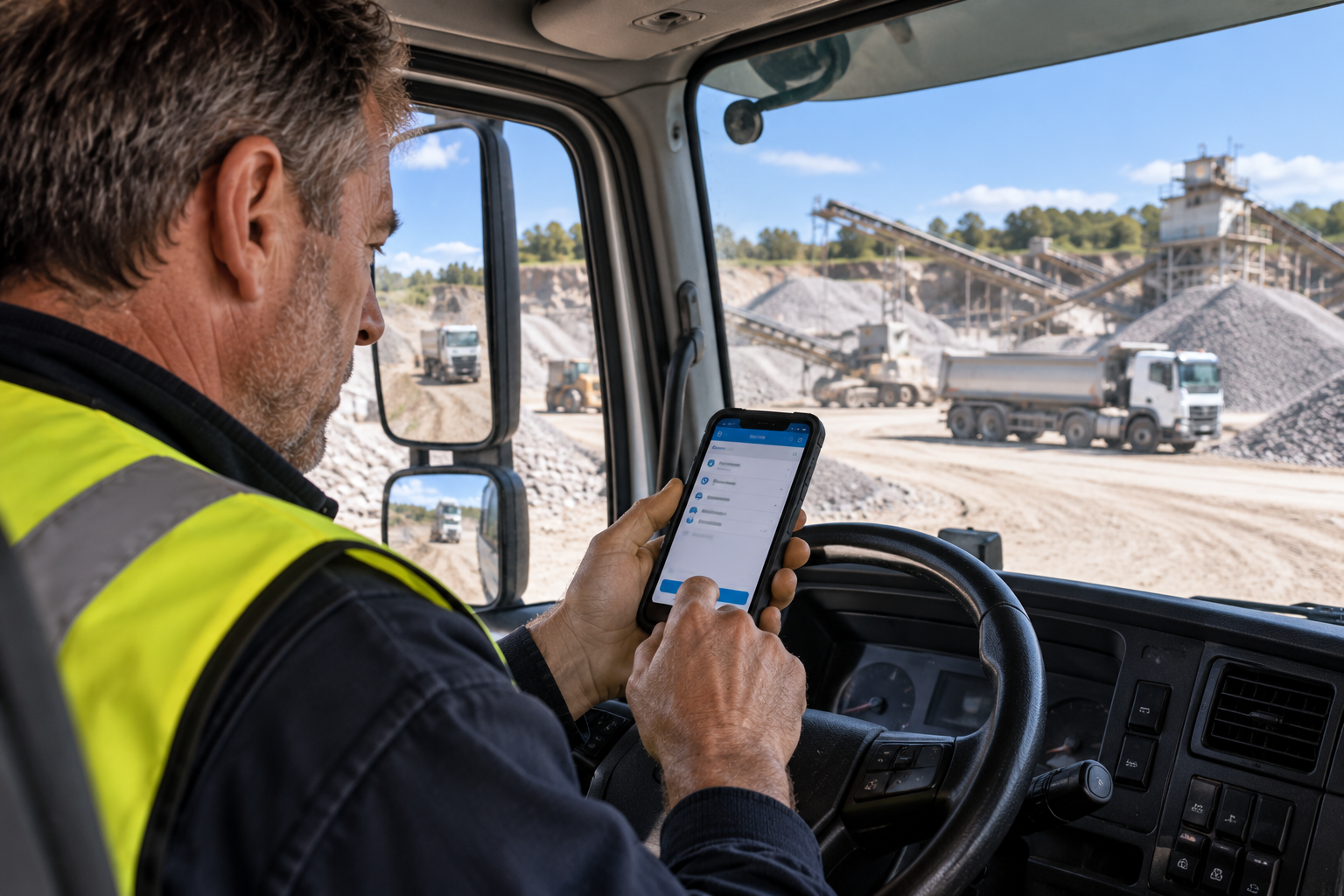 02 SINGLE OR REPEAT WORK
Run a one-off delivery or repeated quarry-to-site movements without forcing every job through the same process.
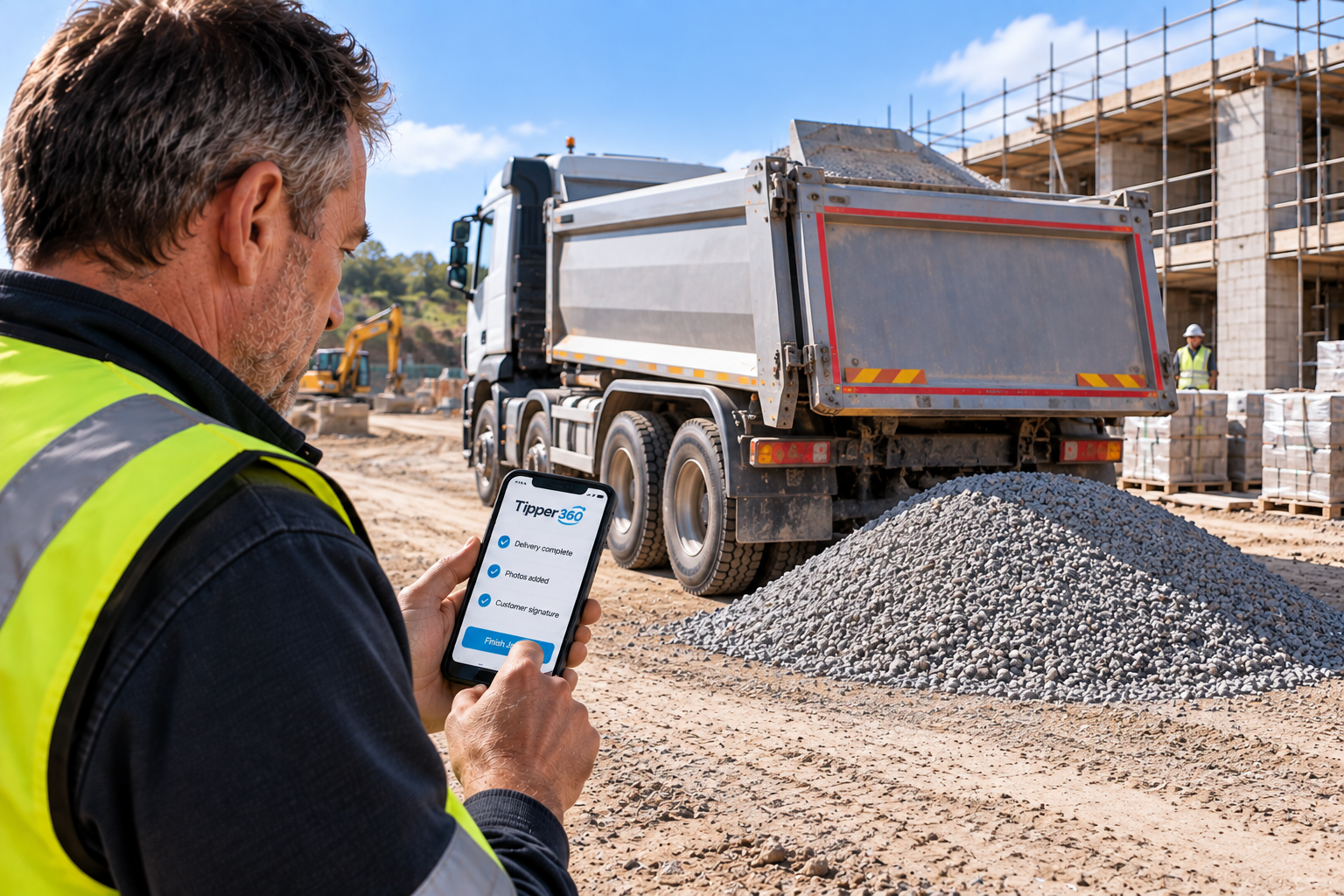 03 RUN THE WORKING DAY
Jobs and destinations can change. The office and driver stay connected to the work while required delivery information is captured.
 04 FINISH WITH THE RECORD
Delivery details, photos and customer sign-off where required come back with the completed job, ready for the office.
Tipper360 connects the office, drivers, subcontractors and completed work while the day is happening — so running aggregate deliveries does not have to depend on paper dockets, phone calls and someone remembering where everything is.

Different work can be run differently. The office can issue jobs, or drivers can start the work themselves where that suits the operation.
Handle one-off deliveries and repeated movements without forcing everything through the same process.
Use Tipper360 across your own drivers and subcontracted drivers rather than running a separate way of handling the work.
Plans and destinations change. Change or divert the work without losing the connection between the job, driver and completed record.
The office and drivers can use live chat in Tipper360 while the work is happening, keeping communication with the job rather than another chain of calls.
Vehicle checks are in the driver app, and drivers can continue working when signal is poor and synchronise when a connection is available.
Receive a job or start one Where to go and what to collect Capture required delivery information Photos & customer sign-off Deal with job changes Vehicle checks Works offline
Create and send jobs Own and subcontracted drivers Change or divert work during the day See completed work Search completed delivery records Download and send PODs
The delivery may be finished, but the information is often needed again. Tipper360 keeps completed work searchable so the office can get back to the record when a customer or accounts needs it.

Search completed delivery information using the information captured against the job.
Open the completed delivery record and the information captured for that job.
Download the relevant PODs or records, including bulk downloads when a customer or period needs to be dealt with together.
Find the relevant completed work, bulk-download the records you need and send them on. Faster customer answers, less office time and a more professional response.
Tipper360 has been developed through years of real driver use and construction-material deliveries. The practical details are there because they solve things that happen in the working day — and tipper work isn't always one truck, one load and one fixed destination.

Driver technology in daily use since 2018 across building-material operations in Ireland and the UK.
Read the Mannok story →
Founder Christy O’Neill says Moyglare moved beyond decades of manual dockets; long-serving drivers initially resisted the change, but he says they would not want to go back to paper now.
Read the Moyglare story →Read our practical guide for small quarries and aggregate suppliers, covering repeated loads, digital delivery dockets, weighbridge tickets, subcontractors and proof of delivery.
Read the aggregate delivery software buyer's guideTell us a little about your aggregate operation and we’ll show you how Tipper360 fits around the way your jobs, drivers and office actually work.
✓ What the driver sees
✓ What the office sees
✓ A completed delivery record

Software that connects aggregate delivery jobs, drivers and office records digitally so completed delivery information is available without waiting for paper dockets.
Tipper360 can create a digital delivery record containing the information required for the job, including delivery details, timestamps, photos, notes and customer sign-off where required.
Yes. Tipper360 can be used across your own fleet and subcontracted drivers.
Yes. Drivers can continue working offline and information can synchronise when a connection becomes available.
Yes. Driver workflows can be configured around the information required for different jobs and customers.
Where a suitable integration is available, Tipper360 can work with information from other business systems. The existing system and workflow must be assessed before confirming an integration.
Yes. Completed records can be searched using information captured against the job.
No. Tipper360 records information associated with the movement and delivery. It does not test or certify material quality or specification.
Setup depends on the operation and workflows required. The first step is a short demonstration so we can understand how your aggregate deliveries work and show the relevant Tipper360 setup.
See it on your jobs and decide if it fits the way your operation works.