
01
Start the job once
The office can create and send the job, or the driver can self-start where appropriate. Vehicle checks can be completed before work begins.
Your receiving facility may now ask for digital information with every C&D waste load. Tipper360 helps you manage jobs, drivers, subcontractors and load evidence digitally, so your office can provide the records the facility asks for.
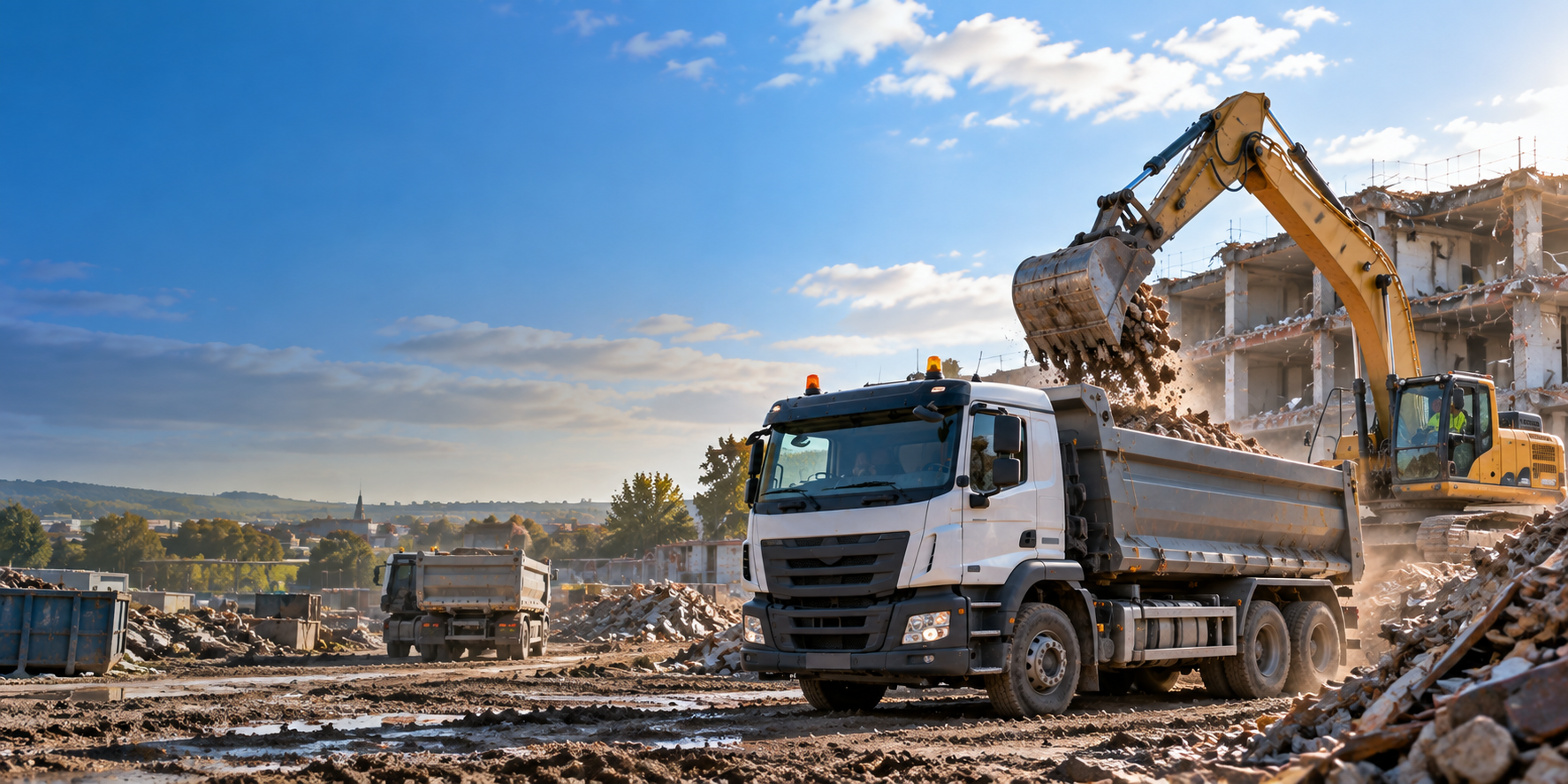
Start the job, handle different materials and repeated loads, deal with changes and finish with a record the office can find — without turning DWT into another form for the driver.
The office can create and send the job, or the driver can self-start where appropriate. Vehicle checks can be completed before work begins.
Run repeated loads with your own drivers or subcontractors. Keep the material, quantity and destination with each load, even where the signal is poor.
Use live chat when a destination changes. Photos, signatures, notes and time and location details stay with the job.
Search completed work, answer customer queries, retrieve PODs and supporting evidence, download records in bulk and get the information needed for invoicing without chasing paper.
Drivers record C&D loads as they go. The office can find the details afterwards.
Loads, changes and supporting evidence stay together as one retrievable record.
The receiving site must report the waste it receives where the rules apply. Ask it what load details and format it needs from you.
Tipper360 keeps your jobs and load details together. It is not the Government Digital Waste Tracking service.
Not generally. The first mandatory phase is for permitted or licensed receiving sites in England and Wales. The wider phase for waste collectors, including carriers, brokers and dealers, is currently planned for October 2027.
Where construction and demolition material is legally waste, the applicable waste classification and DWT requirements matter. The legal status and correct classification of the material should be established for the job.
No. Tipper360 keeps C&D job and load records together. Government submissions must use the relevant reporting method or compatible approved software.
Show us how your C&D jobs run today — materials, own trucks, subcontractors, destinations, repeated loads, paperwork and all. We'll show you how Tipper360 fits around the actual operation.
Regulatory information reviewed September 2026. Requirements and dates may change. This page provides general information and is not legal or regulatory advice.