
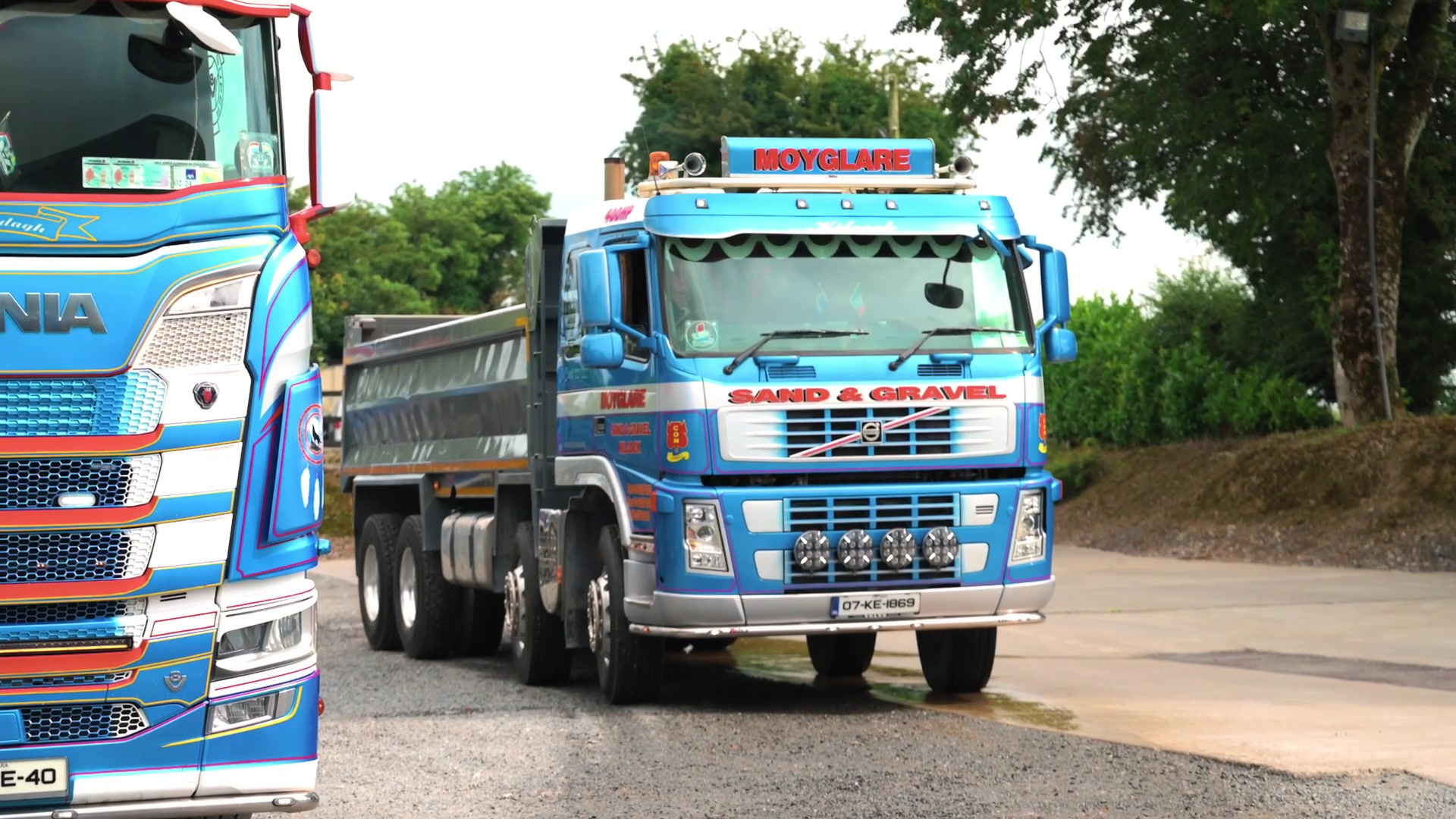
Muck-Away Job Workflow: From Excavation Site to Receiving Facility
In short: A muck-away job is easier to control when the source job, material information supplied for the movement, driver, vehicle, destination and completed load record stay connected from the excavation site to the receiving facility.
1. Set up the job before the first truck moves
The office should establish the customer or project, collection point, intended receiving destination and the operational information drivers need. Regulatory classification and acceptance decisions should come from the appropriate competent parties rather than being left to the driver.
2. Put the driver on the correct job
The office can issue the job, or an authorised driver can self-start where that workflow is configured. The goal is to avoid drivers recreating job details from memory for every trip.
3. Record each movement, not just the day
Muck-away work can involve many repeated loads. Each completed movement should remain identifiable while staying connected to the same underlying job.
4. Keep own trucks and subcontractors together
Hired-in capacity should not force the office to reconcile a separate paperwork process afterwards. Each movement should still identify the driver and vehicle that completed it.
5. Deal with destination changes properly
If a load is redirected, the operational record should show what actually happened. A destination change can also affect regulatory or acceptance requirements, so the responsible parties must decide whether the revised movement is appropriate.
6. Complete the receiving-side evidence required for the job
Depending on the configured process, this may include times, quantity information, notes, photographs, signatures or references associated with the movement. Tipper360 keeps configured supporting evidence with the job record.
7. Give the office the completed record
The office should not have to wait until the end of the shift for the only copy of a docket to return. Completed movements can be searched later and POD records can be downloaded in bulk by date where required.
8. Keep the driver workflow practical
Tipper360 works offline for poor-coverage sites and includes live chat so the office and driver can deal with operational changes around the working process.
What Tipper360 does not decide
The system does not decide waste classification, authorise a receiving facility or make a regulatory determination. It records and connects the construction movement so the operational evidence is available to the people responsible for the job.