
Specialist Tipper Software vs Generic Transport Systems: A Muck-Away Job Test
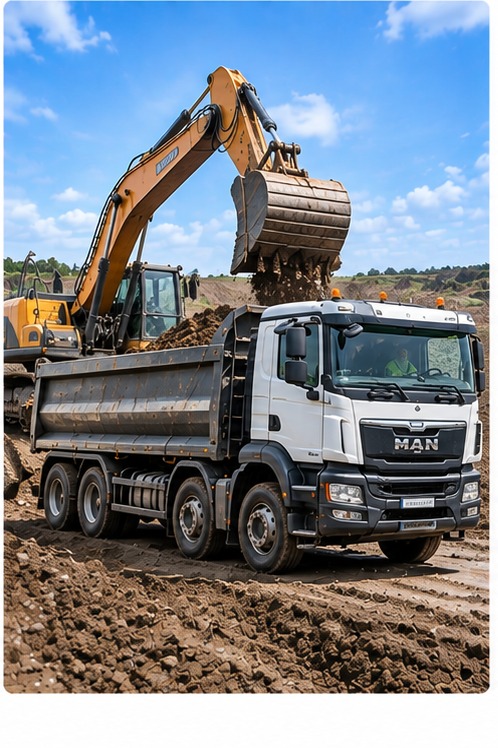
A tipper job is rarely one vehicle making one delivery from A to B. On a busy muck-away day, several trucks may work the same excavation, some may be subcontracted, each may make repeated trips, and the receiving facility can change during the shift. Software designed around a simple one-off delivery may not handle those exceptions neatly.
That doesn't mean every general transport system is unsuitable. It means a UK tipper operator should test the real job process before choosing one.
Start with the job, not the docket
Imagine a contractor asks you to remove excavated material from a construction site. The office sets up the customer, site, agreed material description, intended destination and instructions. Eight trucks are assigned, including two subcontractors.
The office needs to manage the work as one job. But it must still distinguish every individual load and the supporting evidence captured for it. This is where construction-specific design matters.
1. One job, many trucks
Can the system send the same job context to several drivers, including hired-in vehicles, without creating a disconnected set of delivery tasks? Each driver should see relevant site and destination details, while the office can see which loads have been completed.
2. Repeat loads without repeat administration
A driver may make six trips between the same loading site and receiving facility. Ask whether they can repeat that work without typing the same customer and site information every time. The office still needs an identifiable record for each movement — not one undifferentiated total at the end of the day.
3. The destination changes
Partway through the shift the original facility may stop accepting the material or the customer may issue revised instructions. The operator must check any new receiving arrangements and applicable waste documentation before moving the load. The software should help the office give the changed instruction to the right driver and preserve what actually happened on that movement.
Changing a destination inside an app does not itself authorise a waste transfer. Appropriate checks and documentation remain the operator's responsibility.
4. Subcontractors need the same practical process
Extra trucks are often essential at short notice. If subcontractors send back separate paper tickets, photographs or messages, the office can end up rebuilding the job after everyone has gone home. Ask how a subcontracted driver receives instructions and how their completed load record gets back into the office workflow.
5. The completed information must be useful
When a customer requests delivery records, the office should be able to find each completed movement, with the job and load details plus any required photos, signatures or docket references. The record must accurately reflect the information captured; a delivery docket is not automatically a statutory Waste Transfer Note, and weight should be verified against the relevant weighbridge information.
How to test specialist versus generic software
| Test | What to ask the supplier to show |
|---|---|
| Multiple trucks | One job shared across company and hired-in drivers |
| Repeat trips | Three loads completed by one driver without re-entering the whole job |
| Changed destination | An instruction updated for one affected movement |
| Office view | Which loads are underway, completed or need attention |
| Customer query | Find and export the supporting information for a particular load |
Where Tipper360 fits
Tipper360 was built specifically around construction-material operations. The office can set up and send a job, or an authorised driver can start it. The driver sees job-specific instructions, records each movement and handles repeat loads. Own drivers and subcontractors can use the same job process; live chat helps with changes, and the office retrieves completed records. Vehicle checks and offline capture are also supported.
That is why Tipper360 is more than a digital-docket app. It connects the work while it happens and makes the resulting information useful afterwards.
For another practical example, read the full muck-away workflow. If you are comparing systems, use our seven-test checklist for a 15-truck operation. Explore the muck-away software page for the broader driver and office process.