
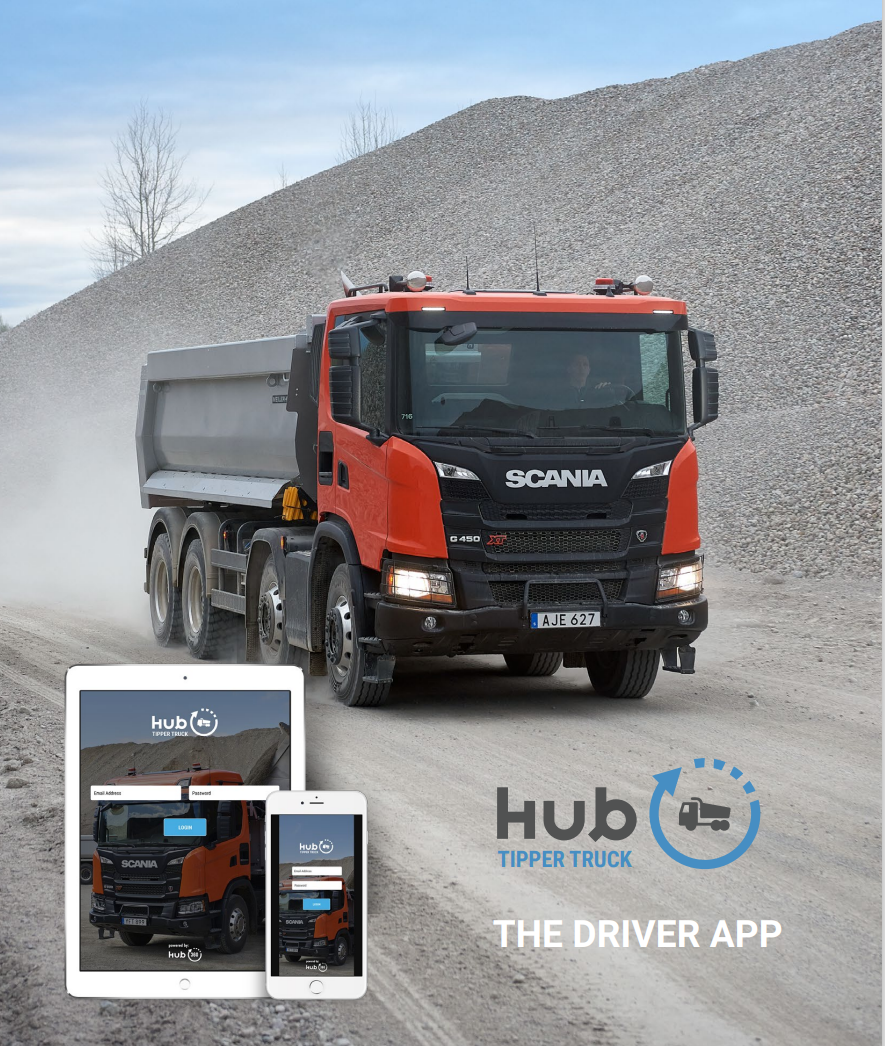
How to Introduce a Driver App to a Tipper Fleet
Introducing an app to experienced tipper drivers can fail if the process feels like extra office administration pushed into the cab. The best starting point is a familiar job and a very short driver workflow.
Driver resistance is real
Moyglare Sand & Gravel did not start with universal enthusiasm. Founder Christy O'Neill says some drivers had worked there for more than 20 years and initially struggled with the change. Sean O'Neill recalls one driver taking ten docket books before the rollout because he did not intend to use the tablet.
Sean says the reaction changed once the drivers used the system. Brendan Norris, who drives for Moyglare, describes the app as straightforward after using it for a day. Christy says the drivers later reached the point where they would not want to return to dockets.
See the four Moyglare perspectives →
Why drivers push back
- Too many screens for a simple load
- Typing information the office already knows
- Questions that do not apply to the job
- Poor behaviour when mobile signal drops
- Training that explains the software instead of the driver's job
What makes adoption easier
Show the driver exactly what they need for the job: where to go, what to collect or deliver and what needs to be recorded. Information can be prefilled and selected from simple dropdowns so there is less typing.
Tipper360 also works offline, allowing the driver to continue the job and synchronise the information when coverage returns.
Start with real work
Use one or two normal jobs rather than a classroom-style software tour. Watch where the driver hesitates, remove unnecessary steps and make sure the office is receiving the information it needs.
Do not rely on promises about adoption
No app can guarantee every driver will like it immediately. The broader Hub360 driver-app platform has been shaped through driver use since 2015, but the sensible test is still to show Tipper360 on the work your own drivers actually do.
Related guide: See how Tipper360 works