
Why Easy-to-Use Tipper Software Matters More Than You Think
Running a tipper business is complicated enough. Your software shouldn't make it harder.
Whether you're managing five trucks or fifty, the last thing you need is a system that's difficult for drivers to use or creates more work for the office. And if you've already invested in software that feels outdated or overly complicated, you might be surprised by how much modern, purpose-built technology has moved on.
The best tipper software should feel straightforward from the first day — because it's designed around the work your drivers and office actually do.
Modern doesn't just mean a better-looking screen
A clean, easy-to-understand screen matters, particularly when a driver is working on a busy construction site. But genuinely modern software is about the whole experience: clear instructions, fewer unnecessary steps, and the job information already being there when it's needed.
Ask an actual driver to try the system during a demo. Can they find the assigned job, record the load and complete the required information without being coached through every tap? Does the screen ask only for information relevant to that job?
A long feature list is less useful if the people doing the work struggle to use it.
Easy for the driver should mean useful for the office
On a working day, a driver needs to know where to collect, where to go, which job they're doing and what evidence is required. The office needs to see how the work is progressing and retrieve completed load records without ringing around for paper dockets.
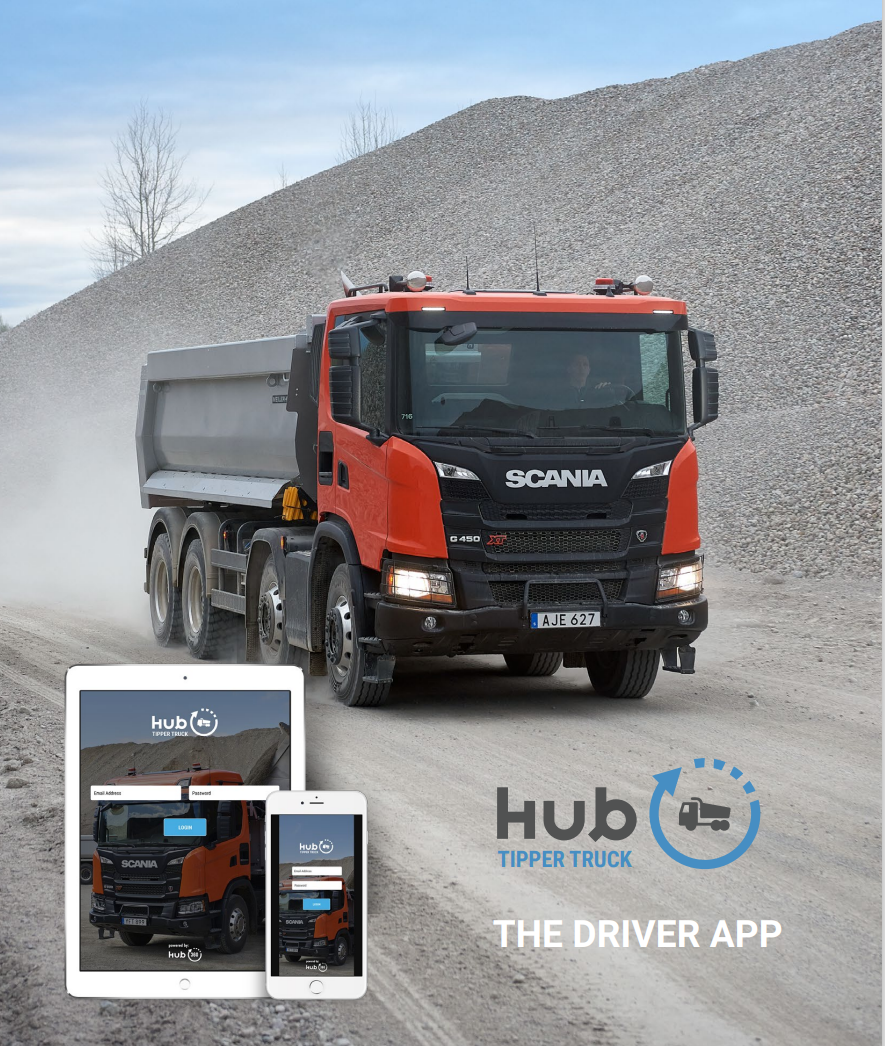
With Tipper360, the office can send jobs to drivers, or an authorised driver can start the work where that suits the operation. Drivers can record individual and repeat loads, attach job-specific photos or signatures and use live chat to communicate with the office. Vehicle checks are also supported. Where connectivity is poor, information can be captured offline and synchronised later.
That is the practical test: what does the driver do, and what does the office get back?
Why tipper-specific software matters: a muck-away example
Imagine a muck-away job with eight trucks, including two subcontractors. Several trucks are making repeated trips from the excavation site to the same receiving facility. Partway through the day, the office is told that one load needs a different destination.
A generic system may be good at allocating a one-off delivery, but this work needs a different process. The office must keep the overall job together while maintaining a record for each individual movement. Drivers need straightforward instructions and a quick way to complete repeated trips. A changed destination must be dealt with for the relevant movement, without making the rest of the job confusing.
Tipper360 was developed specifically for tipper and construction-material operations. It connects the job, own drivers and subcontractors, repeated loads, changes during the day and the completed office record. It is more than a digital docket app: the docket is one part of the working process.
To see the process in more detail, read how a muck-away job runs from excavation to receiving site or explore our muck-away software for tipper operators.
What about training and getting started?
Even straightforward software needs a proper introduction. Drivers should know what they need to do, while office staff should understand how to set up work and find completed information. It's worth asking what happens after the sales demonstration, not just what happens during it.
Tipper360 provides one-to-one training for office administrators, a driver training session, video tutorials and a train-the-trainer approach so someone in the business can help new drivers and subcontractors. We can also import suitable existing customer and site records when supplied in a workable format. The team is available to support customers during their first couple of weeks, with ongoing technical support through a ticketing system.
That combination of intuitive software and practical onboarding makes the move to a new system easier to manage.
Five questions to ask in any tipper software demo
- A normal working day: Can the office create a job and send it to several drivers? What does each driver actually see?
- Repeat loads: Can a driver complete several trips without starting from scratch or entering the same information over and over?
- Unexpected changes: Show what happens when one load needs a different destination halfway through the day. Can the office see what changed?
- Subcontractors: Can hired-in drivers work within the same job process, and can the office retrieve their completed records?
- Getting started: Who helps configure the operation, train drivers and office staff, and support the business during its first working weeks?
Don't settle for a slideshow or a list of features. Ask the supplier to run through a real job, including an awkward exception. You will learn more from that than from a polished demonstration of a perfect day.
What if you already use another system?
Replacing paper isn't the only reason to review your software. Perhaps the office still has to chase missing information, repeat loads are awkward, or new drivers find the system difficult. Those are good reasons to look again at how the work is handled.
Use the five questions above to test your existing process as well as any alternative. Our seven-test guide for a 15-truck muck-away business goes deeper into the operational checks.
See Tipper360 on your jobs
Tipper360 is modern, easy-to-use software built specifically for tipper operators — connecting drivers, jobs, subcontractors, repeated loads and the office. If you're still working with paper, or already have software that doesn't fit the job, bring a real example to the demonstration.