
9 Ways Tipper360 Makes Delivery Dockets Easier
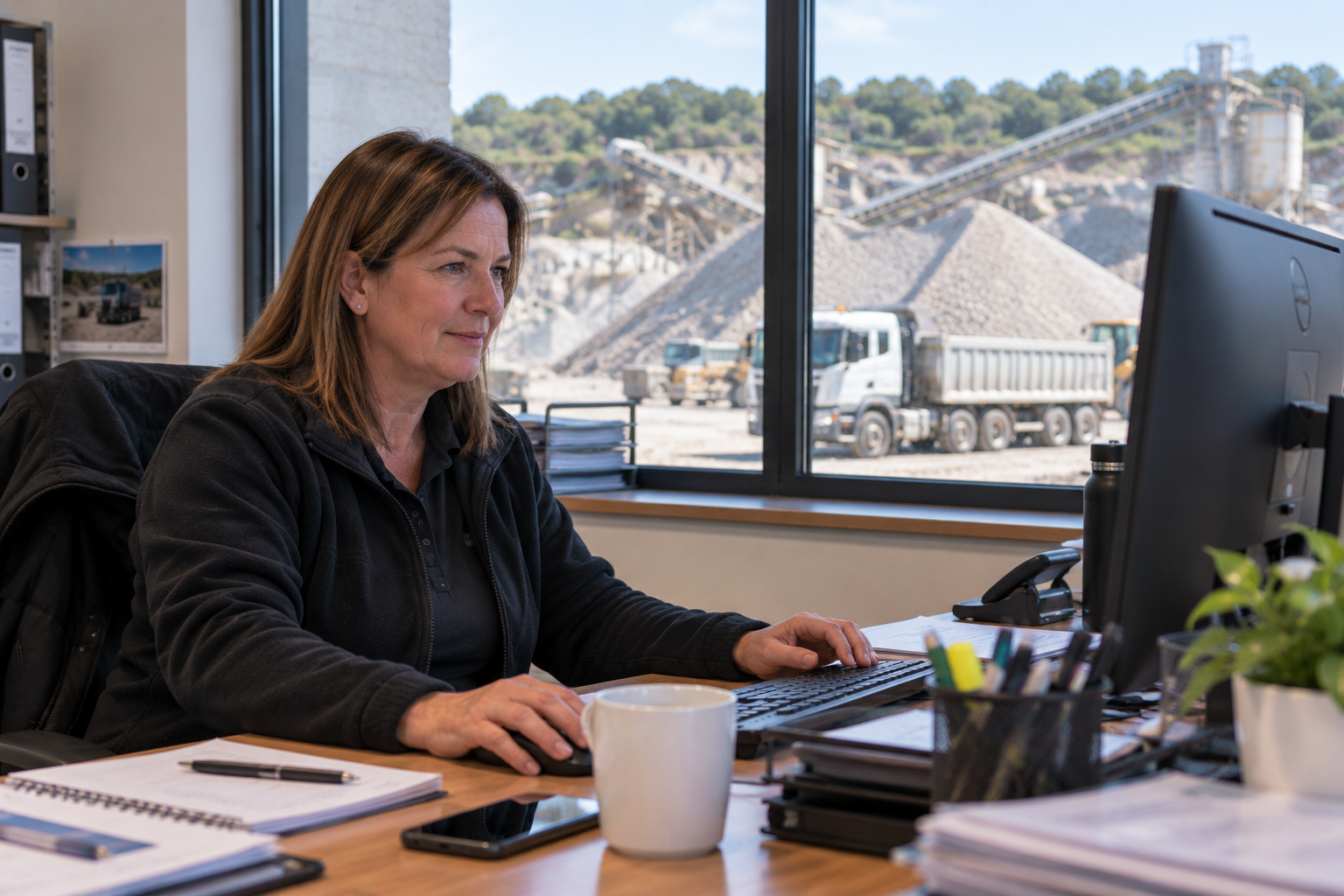
Suzie Norris has been working in Moyglare Sand & Gravel for the past 24 years.
The company recently onboarded the HUB360 Tipper App Solution
Tipper360 helps office and accounts teams organise digital delivery dockets, find load records, reduce calls to drivers and prepare invoices with the available supporting information.
An Office Perspective From Moyglare Sand & Gravel
Suzie Norris shares her firsthand experience of introducing a digital delivery system at Moyglare Sand & Gravel and using it from an accounts and administration perspective.
When this testimonial was recorded, the system was known as the HUB360 Tipper App. The product is now marketed specifically to tipper, aggregate, ready-mix and muck-away operators as Tipper360.
In the video, Suzie explains what moving away from paper delivery dockets meant for the office and why she regarded the change as a “no-brainer”.
If you work in the office of a busy tipper, aggregate, ready-mix or muck-away business, you probably know what happens when every delivery depends on paper.
Tipper360 replaces that scattered process with a digital load record. Drivers record the job through the app, and once the information has synchronised, the office can access it through the Tipper360 system.
Less Chasing for Missing Dockets
With Tipper360, the driver records the load digitally. Once synchronised, the record becomes available to the office without waiting for a paper docket to come back.
No Handwriting to Decipher
Tipper360 uses structured digital fields, helping drivers and the office record information more consistently. Digital fields do not prevent every input mistake, but they remove the problem of trying to interpret unclear handwriting.
Load Information Stays Together
Depending on the job, Tipper360 can keep driver and vehicle details, customer and project information, material and load details, collection and delivery locations, GPS locations and timestamps, photographs, signatures and delivery notes connected to the individual load.
Find a Docket Without Searching Through Boxes
Tipper360 gives the office searchable digital records. Staff can use available details such as the job, date, vehicle, driver or material to locate the relevant load.
Fewer Calls Back to Drivers
Tipper360 gives the office access to the information already recorded against the load. That can reduce follow-up calls and allow drivers to concentrate on the work in front of them.
Earlier Access to Invoice Backup
Once the Tipper360 record has synchronised, accounts can check the load and its available supporting information without waiting for paperwork to return.
Tipper360 cannot control when a customer pays. It can help the office prepare a supported invoice sooner by reducing delays caused by missing delivery records.
Easier Customer and Delivery Queries
Instead of searching through several sources, the office can find the digital load record and review the available timestamps, GPS locations, photographs, signatures and notes. This does not prevent every dispute, but it gives the office clearer information with which to answer the question.
Better Records for Reporting
Tipper360 allows load information to be organised by details such as job, date, vehicle, material or location, depending on how the system is configured. Digital records do not make compliance automatic.
Handle More Loads Without Proportionally More Paper
Tipper360 gives the business a consistent digital process. It does not guarantee that a business will never need additional administrative staff, but it can prevent paperwork from increasing at the same rate as load volumes.
What About Security and Backups?
Tipper360 stores delivery information digitally and uses controlled access to the system. Digital storage also allows records to be backed up rather than relying on a single physical copy.
The Bottom Line for the Office
Tipper360 is about removing some of the repetitive work created by paper delivery dockets.
- Drivers record loads through the app
- The office receives organised digital records
- Photographs and signatures stay with the correct load
- Staff can find a docket without searching through paperwork
- Accounts get earlier access to invoice backup
- Customer questions are easier to investigate
Related guide: See Tipper360 for aggregates